

Illustrative photograph
LIWAN Farms
Farm Management & Operation
إدارة وتشغيل المزارع
Management and day-to-day operation of farms and manors, alongside buying and selling farm estates.

Our Five Divisions
Choose the division that fits what you need. Each one has its own services and a single way to request them.
Illustrative photograph
LIWAN Farms
إدارة وتشغيل المزارع
Management and day-to-day operation of farms and manors, alongside buying and selling farm estates.

Illustrative photograph
LIWAN Property Management
إدارة وتأجير العقارات
Leasing and management services for residential and commercial property, for owners and tenants alike.
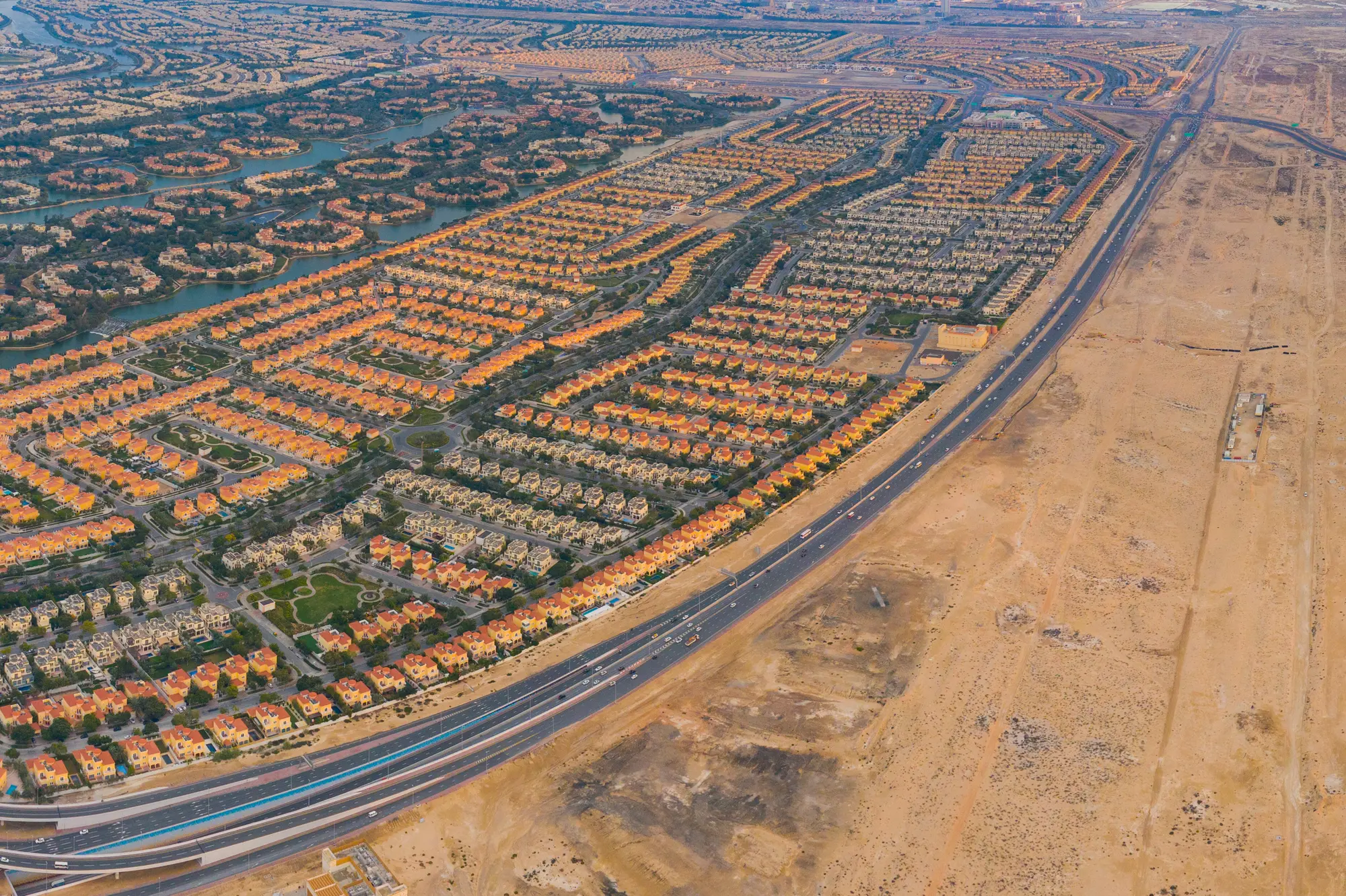
Illustrative photograph
LIWAN Land
شراء وبيع الأراضي والعقارات
Buying and selling land and real estate, for owners with a plot to offer and buyers seeking one.

Illustrative photograph
LIWAN Brokerage
الوساطة في البيع والشراء
Brokerage for buying and selling property: list a home for sale, or ask us to find the one you want.

Illustrative photograph
LIWAN Invest
الاستثمار العقاري
Investment in real estate projects, and their establishment and management, for investors seeking opportunities in Abu Dhabi.
How It Works
Choose a service, verify your mobile number and add the details. Your request goes straight to the division that handles it, with a reference number to follow it up.
Request a ServiceChoose the division and the service you need.
Enter your mobile number and the code sent by SMS.
Tell us about your request and the property.
Attach the ownership certificate as PDF, JPG or PNG.
Submit and keep your reference number to follow up.
SMS verification needs a live SMS provider. Until one is connected, verification on this site runs in clearly labelled demonstration mode.
Start a request and receive a reference number to follow it up.